
Product verification
Verify
your jar.
Check the hologram code beneath your cap. See the linked batch and available lab documentation, then save your jar to your collection if you wish.
 ONE JAR. ONE IDENTITY.THE UNDER-CAP SIGNATURE
Check your
code.
- 01Check your hologram
- 02See your batch · save if you wish
- 03Keep your record
01 / IDENTIFY
Your jar
Scan the concealed QR beneath your cap to check automatically. You can also enter the 24-digit number printed beside it.
No account needed to check your code or read available batch reports. Checking does not register your jar.
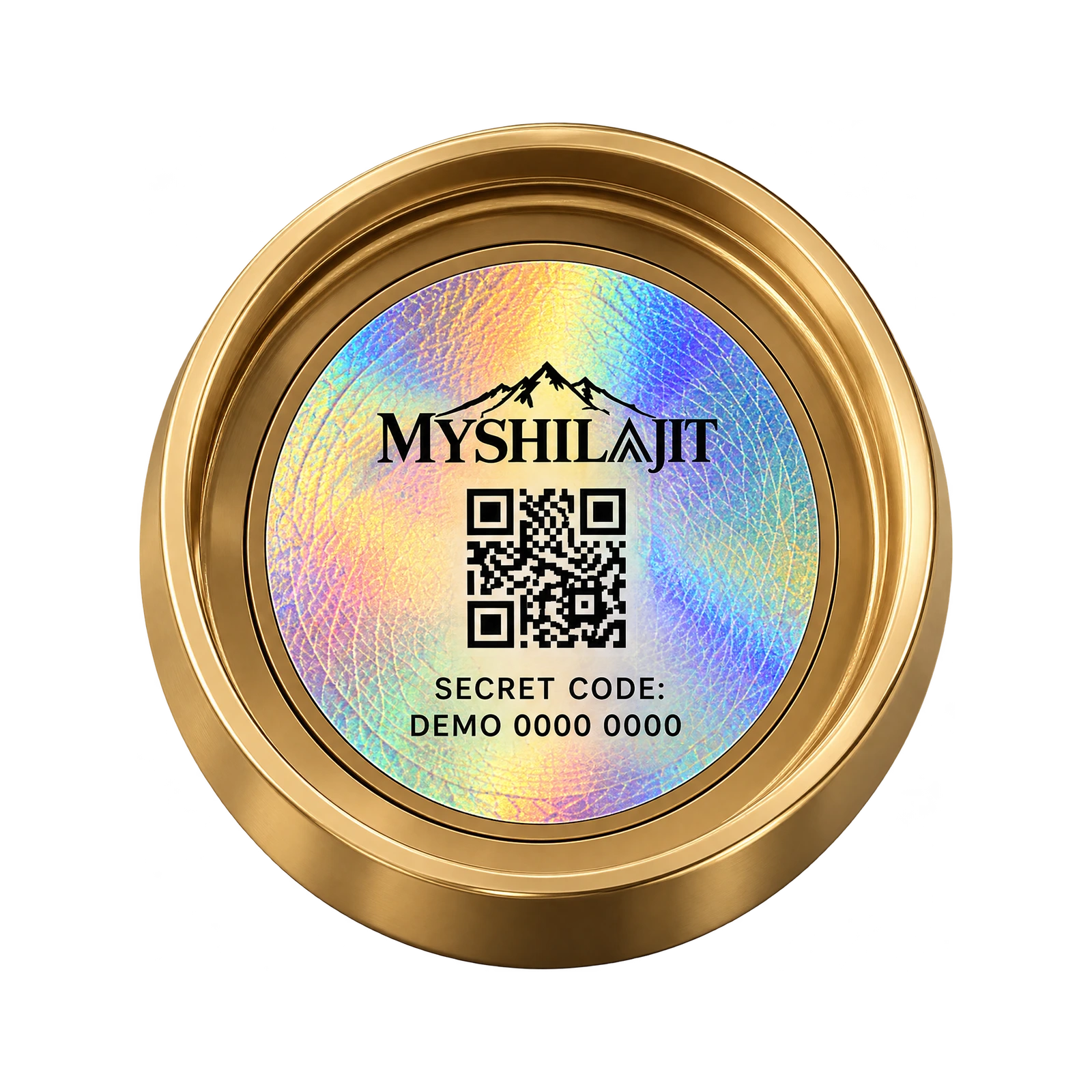 Packaging illustration · sample code
Find your
code.
Reveal the concealed label beneath your cap. Scan its QR with your phone camera: your code fills in and checks automatically. The printed number beside the QR is a backup if scanning fails. Keep both concealed until you open the jar.
What does a matching code tell me?
The number was issued by My Shilajit and is available in our product registry. Registration records your claim to that code. A copied label can still carry a valid code, so always check the packaging and where you bought it.
Is this my laboratory report?
Your code opens the linked batch record. If a report has been published for that exact batch, you can read it without registering. A recognised code alone is not a laboratory result. You can also explore testing and documentation.
My code has already been used. What now?
If you registered it earlier, sign in to view your record. If you have just opened the jar, keep its packaging and purchase details and contact us. We never display another customer’s name or country.
Can I register without a purchase account?
Yes. Create a My Shilajit account during registration, or use your existing registration account. Checkout accounts are not automatically linked until the store’s checkout integration is connected.
Something that stays yours.Explore My Shilajit